Each of these is defined in functionality, UX, and architecture - and proven in the Mac implementation. Click a row for the detail.
Automatic tilingNew windows join, closed ones leave no gap
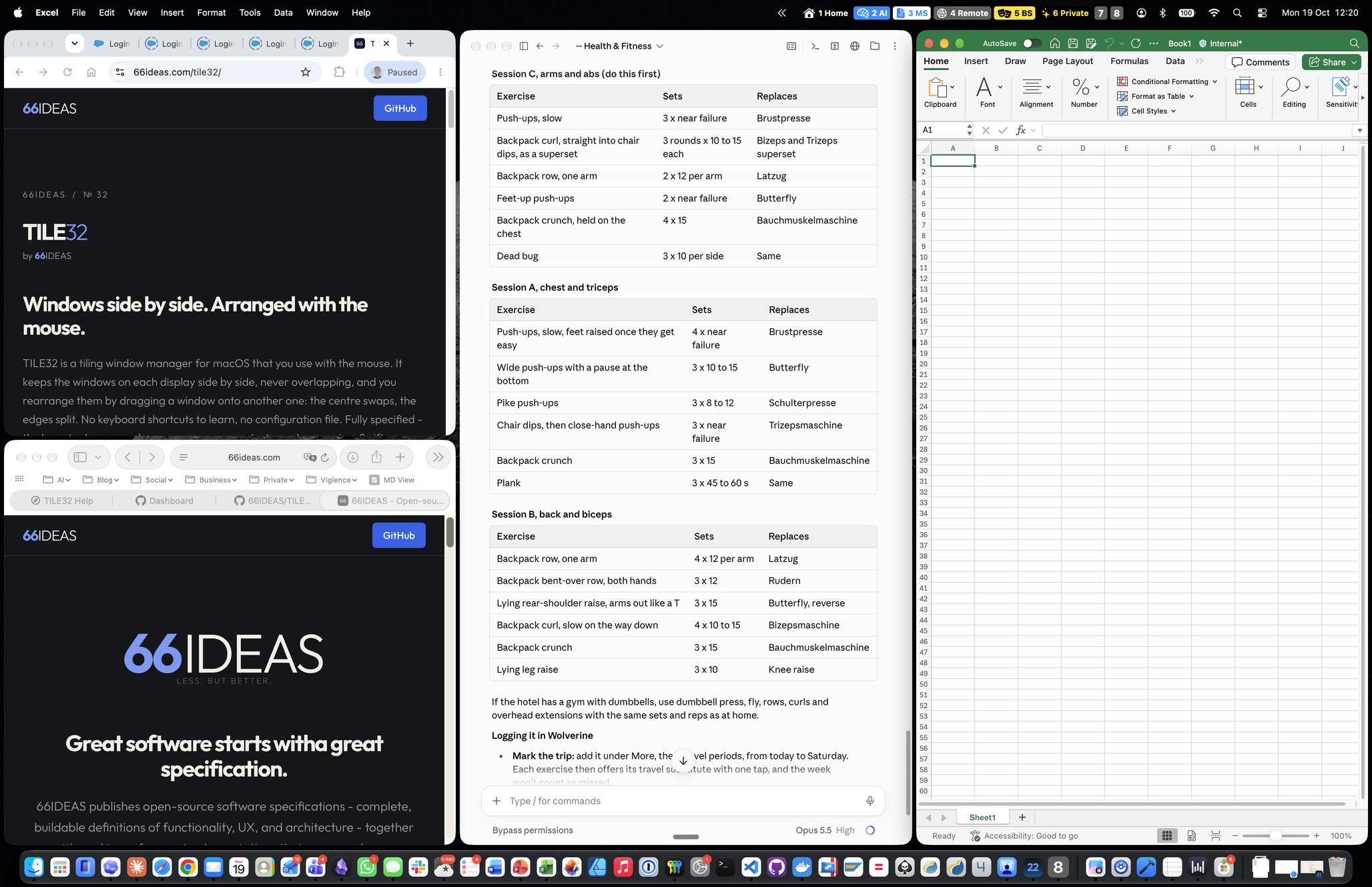
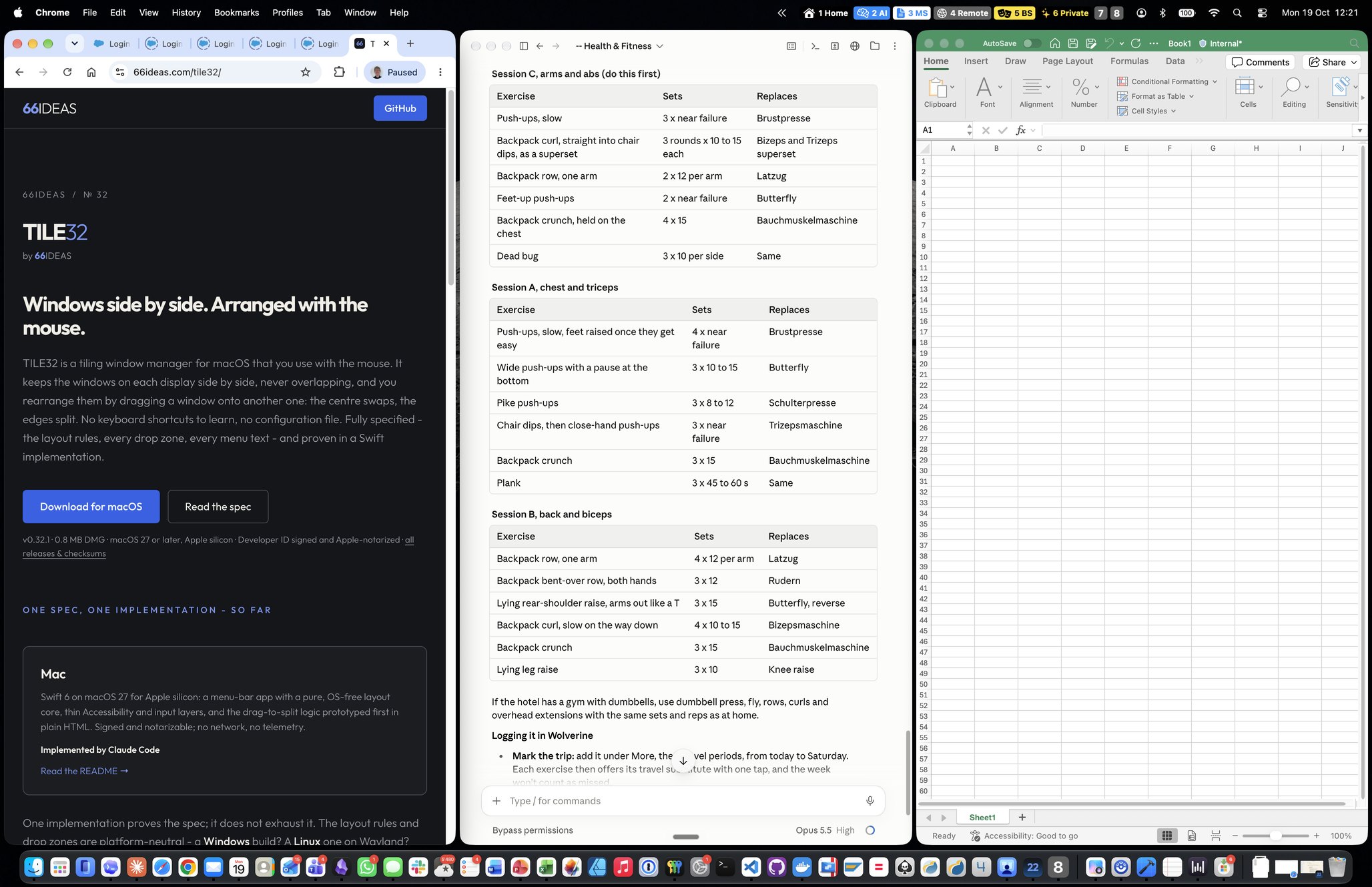
A new window becomes one more column at the right end with an equal share, and the others shrink to make room. A closed, minimised or hidden window hands its space to its neighbours. When columns would get narrower than 800 points, the layout turns into two rows.
Drag to swapDrop a window on the middle of another
Pick a window up by its title bar and drop it on the centre of another one: the two change places, each taking the other's size. Sizes belong to the tiles, not the windows.
Drag to splitDrop on an edge to divide the target
Drop on the left or right edge and the target splits side by side; top or bottom splits it one above the other. The dragged window takes that half. Any arrangement of nested splits can be built this way.
Preview before releaseA highlight shows the result first
While you hold the window over a target, an overlay shows exactly which zone you are in and what will happen. Escape cancels the drag and the window snaps back.
Resize by dragging an edgeOnly the two neighbours change
Drag the boundary between two windows and both resize; every other tile keeps its size. Boundaries snap to quarters, thirds and halves, so 50 / 25 / 25 is one drag away. "Make sizes equal" resets.
Full-height column at the edgeOne window beside all the others
Drop a window at the left or right edge of the display and it fills the whole height there, next to the existing layout - no rearranging window by window.
One layout per displayScreens never interfere
Each connected display has its own layout inside its usable area. Drag a window to the other display and it leaves one layout and joins the other.
One layout per SpaceEvery desktop as you left it
Every Space keeps its own splits and proportions on every display, with any number of Spaces. Switching Spaces moves nothing; a window moved to another Space with macOS leaves one layout and joins the other.
Window limitTiles stay large enough to use
Each display has a limit for tiled windows - 12 on an ultrawide, 6 on a laptop screen by default, adjustable per display. Beyond it, the least recently used windows are minimised and swap back in when you use them.
Windows that cannot shrinkHandled, not fought
An app whose window refuses to get smaller keeps its minimum size anchored in its tile. The menu notes it, the Windows list marks it, and TILE32 stops retrying until the layout changes.
Dialogs and panels stay floatingNever squeezed into a tile
Dialogs, sheets, small panels and native full-screen windows are left where the app puts them. Only normal app windows are tiled.
Exclude appsSome things should float
Tell TILE32 to leave certain apps alone - a video call, a settings app. Their windows float and keep their positions.
Pause, resume, untileControl is one click away
Pause tiling without quitting and arrange windows freely. "Untile" gives every window back the position and size it had before TILE32 touched it.
Remember my layoutSurvives a restart
Layouts are remembered per Space and display, so windows stay where they are when TILE32 restarts and return to their places after a reboot. Only a hash of each window title is stored.
Displays come and goPlug in and out without fuss
A connected display gets its own empty layout; a disconnected display's windows move to a remaining one and join its layout. No window is ever left off-screen.
Permission, explainedOne permission, plainly asked for
TILE32 needs the Accessibility permission and nothing else - no screen recording. It explains why, opens the right settings screen, starts working the moment it is granted, and fails safely if the permission is withdrawn.
Start at loginIf you choose so
An optional login item, switched on from the menu. It starts paused until you resume tiling.
Private by designNo network, no telemetry, no content
TILE32 never uses the network, never records the screen and never reads window content. It uses only window positions, sizes and titles - and release builds do not log the titles.