Each of these is defined in functionality, UX, and architecture - and proven in the Mac implementation. Click a row for the detail.
Open anything, anywhereDrop it, double-click it, Open With
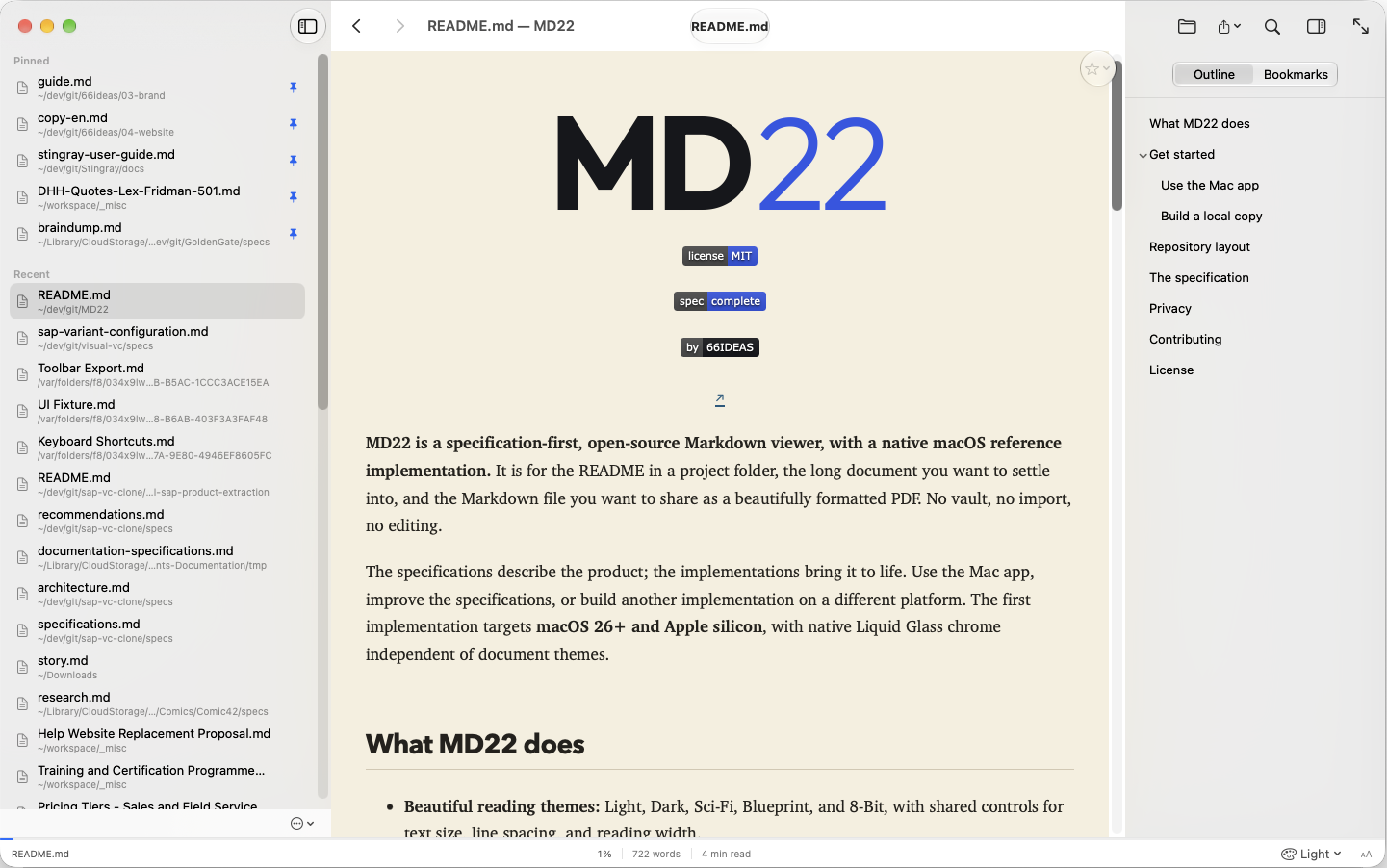
Drag a Markdown file in, open it from the Finder, or associate .md files with the app. No vault, no workspace, no import - a file is displayed without indexing its folder.
History with pinsEverything you read, one click away
A persistent history panel, each file once, most recent on top. Pin the important ones and reorder them by hand; clearing history keeps the pins. Files that went missing stay listed and marked.
Rich renderingCode, tables, math, Mermaid, callouts
Syntax-highlighted code with a copy action, tables, task lists, footnotes with back-navigation, math notation, Mermaid diagrams, admonitions, and embedded HTML - with no plugins to install.
Five display themesLight, dark, sci-fi, blueprint, 8-bit
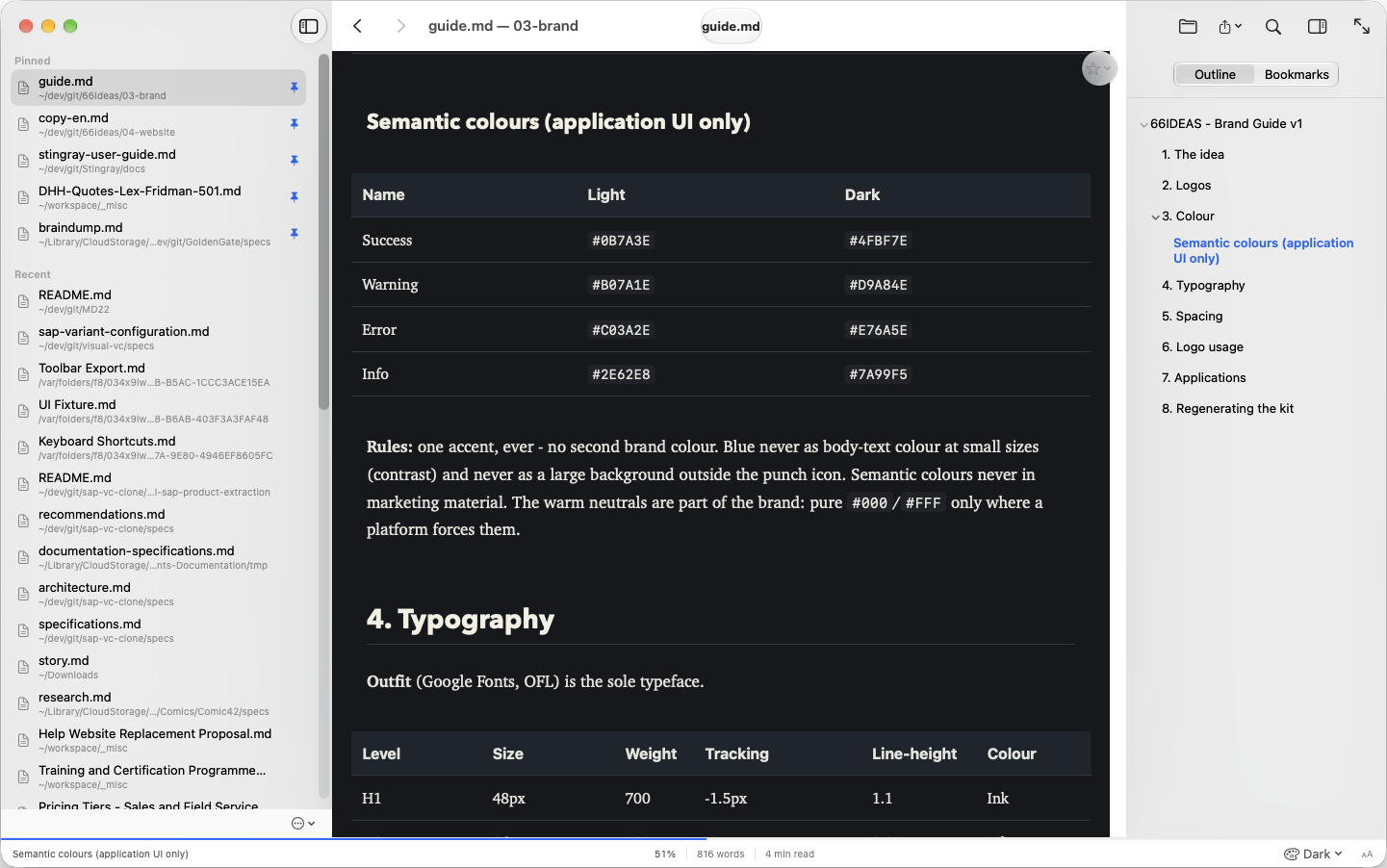
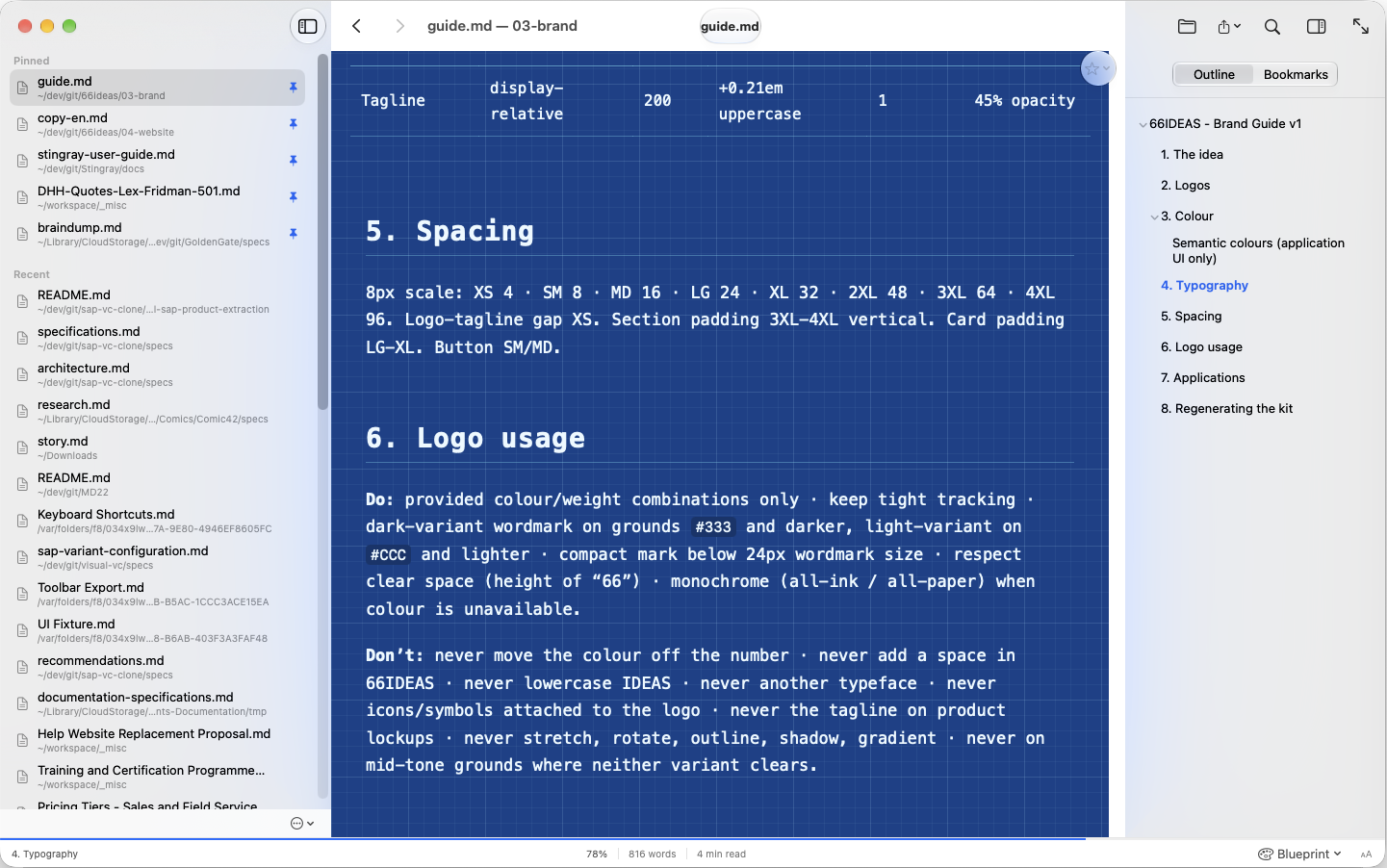
Themes with a real identity, not colour swaps - typography, spacing, code, tables, backgrounds, subtle motion. Switch any time from the status bar; the document stays legible in every one.
OutlineThe document at a glance
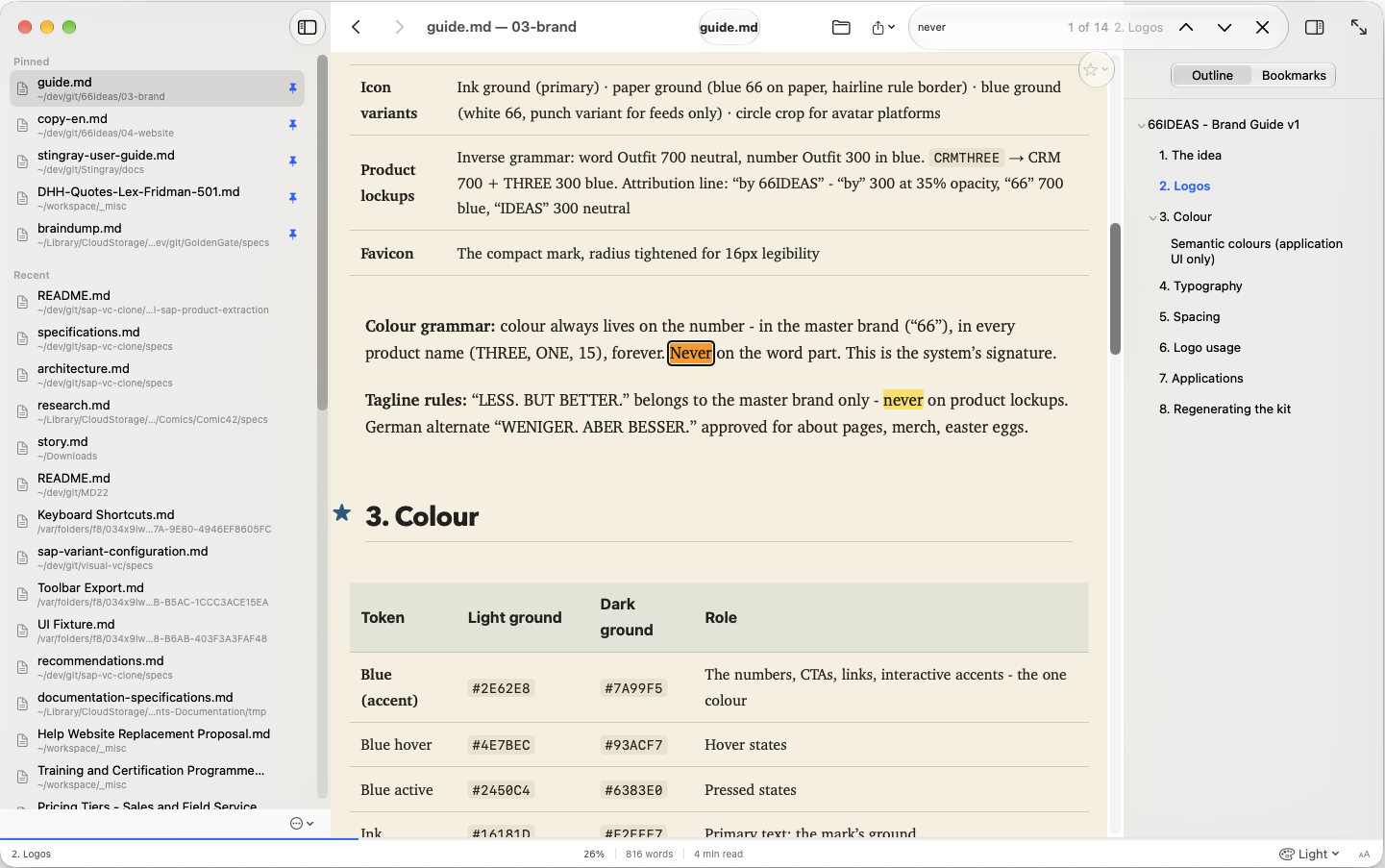
A collapsible heading outline that mirrors the document, highlights the section you are reading, and updates when the file changes.
SearchFind it, jump to it
Full-text search in the displayed document with every match highlighted, a match counter, and keyboard navigation between hits.
BookmarksWithout touching the file
Bookmark a heading, a selected passage, or simply where you are. Stored beside the source, never inside it; visible per document or across all files; they outlive history clean-ups.
Reading statusProgress, section, words, minutes
A status bar with reading progress, the current section, word count, and estimated reading time - updating as you go.
Reading preferencesYour readability, every theme
Font size, line spacing, content width, reduced motion, and high contrast - global settings that override any theme, resettable in one click.
Auto-refreshAlways the saved version
The document refreshes when its file changes, keeps your reading position, and tells you it did - without ever writing to the source.
Resume readingPick up where you left off
Every file remembers its reading position; the app reopens the last document exactly there - even after the entry was removed from history.
Distraction-free layoutPanels when you want them
Show or hide the history and outline panels independently, or drop into distraction-free reading with one action. The layout is remembered.
Project-relative linksDocuments that belong together
Relative images render, relative links to other Markdown files open in place, anchors jump, external links go outside - with back and forward navigation and clear markers for missing targets.
HTML exportOne click, next to the source
Export the displayed document as HTML beside the original - no Save As dialog, no overwriting, structure preserved, nothing generated that was not in the source.
PDF exportPublication typography, A4
Portrait A4 with 12 mm margins and print-tuned type: 10.5-point body, proportionate headings, real pagination that keeps headings with their content. No print dialog, no page furniture.
Export styleRead in one theme, publish in another
The export theme is chosen independently of the display theme and remembered for next time; animated themes render as clean static output.
Multiple windowsMore than one document at once
Open any history entry or bookmark in a new window - the same file twice if you like - without disturbing the current view.
Read-only by designYour files are never changed
No editing, no saving, no account, no sign-in, no dashboard between you and your last document. Every feature works without modifying a single source file.